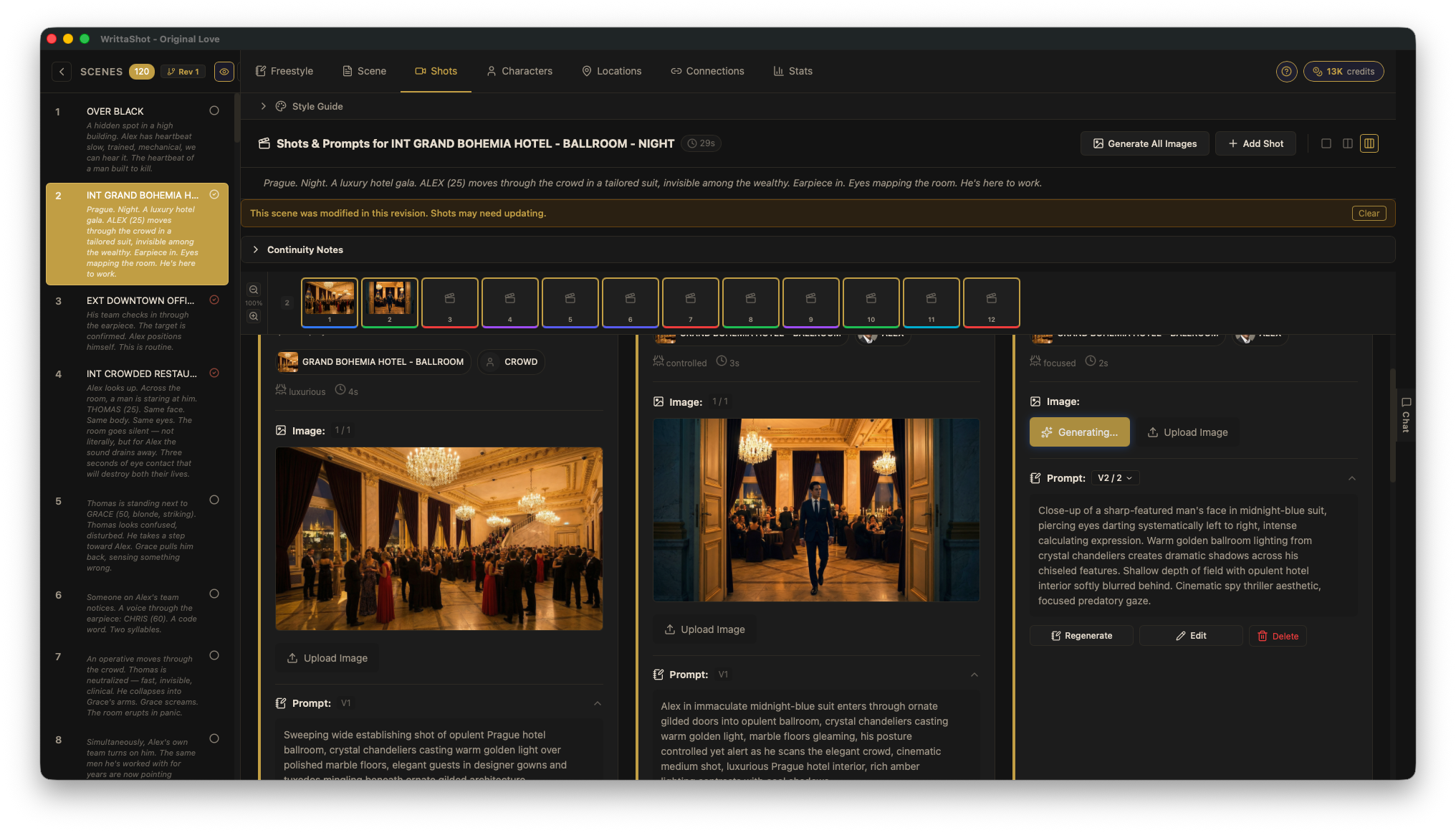
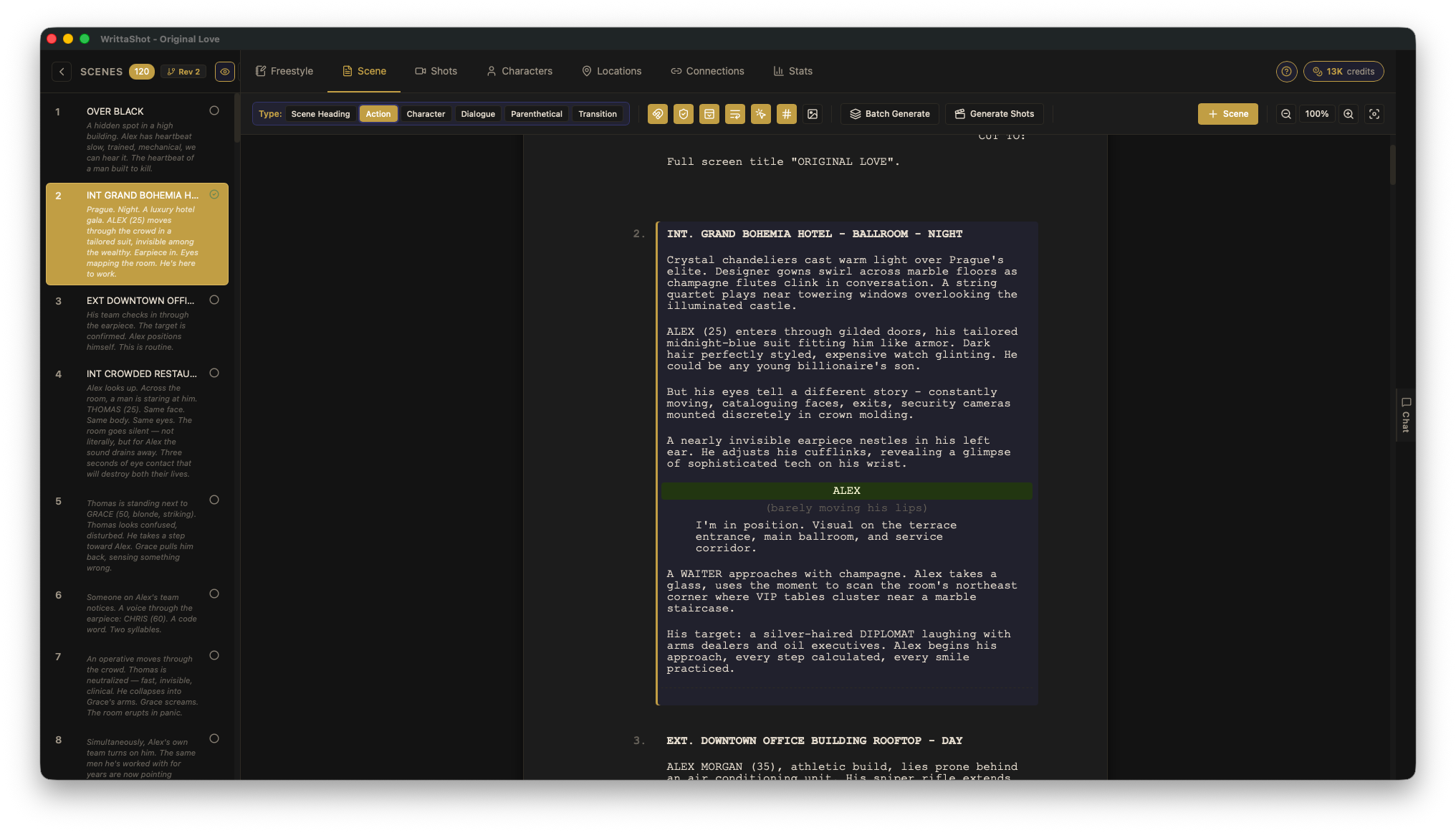
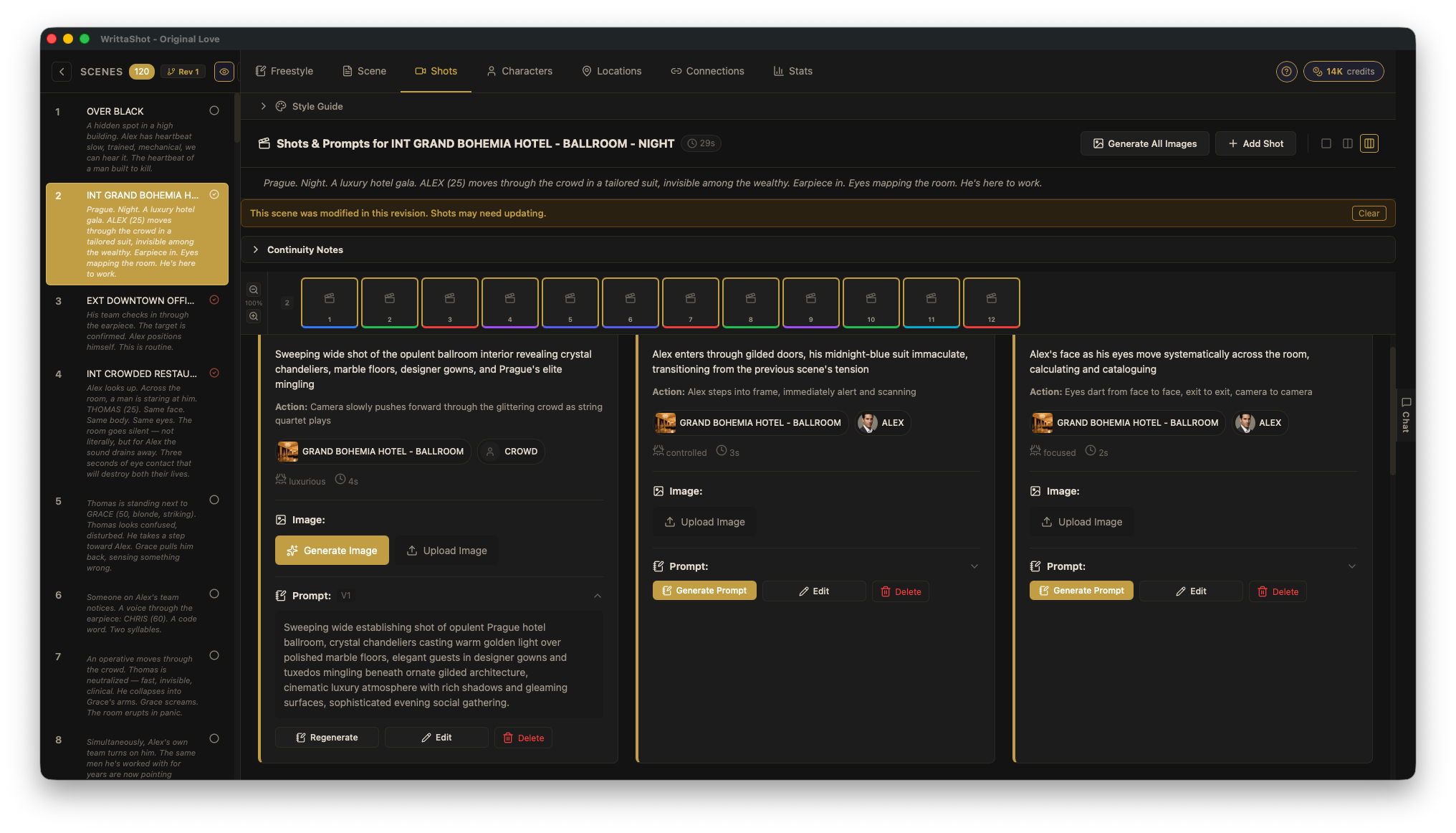
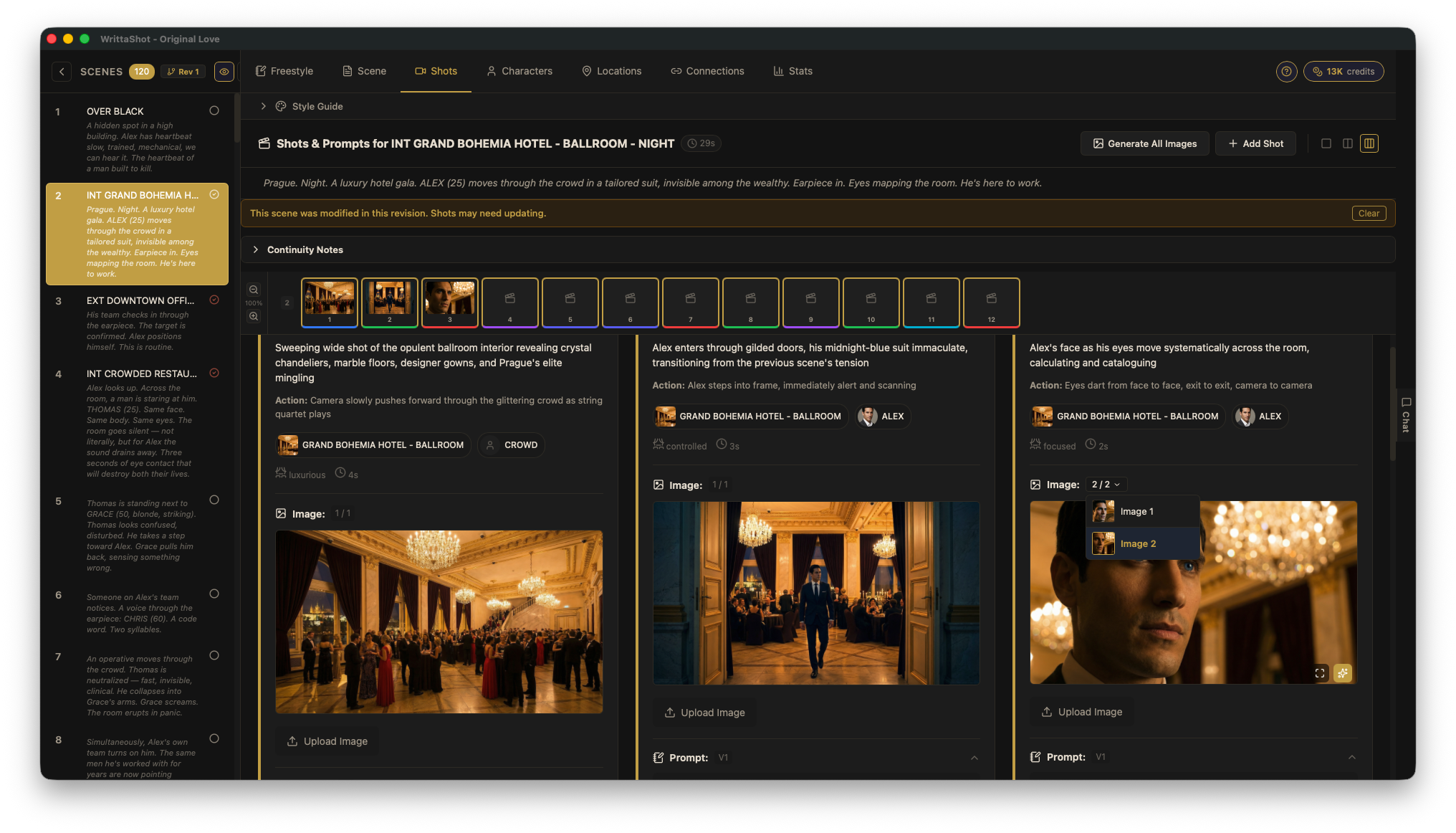
Write your screenplay, plan every shot, and see your film before you shoot it. Now your storyboard can move: turn any shot into a short clip, right on your computer.
For macOS and Windows · One-time purchase
A still frame shows the idea. A moving one sells it. WrittaShot can now turn the image of any shot into a short video clip, so you can see the rhythm of a scene before anyone picks up a camera.
Any shot that already has an image — generated or uploaded.
Your own ComfyUI turns the image into a short clip, on your computer. Or press Animate all to do a whole scene at once.
Extend picks up exactly where the last clip ended, so the action flows on. Not happy with the ending? Remove just the last part and try again.
Screenwriters juggle multiple tools. Shot lists live in spreadsheets. Character notes get lost. There's no single place for the complete picture.
Writing in one app, shot lists in spreadsheets, character notes somewhere else. Nothing connects.
Turning a screenplay into a shot-by-shot plan is tedious manual work that eats your creative time.
Conveying your visual ideas to crew and producers is difficult without proper storyboards.
A complete workflow from blank page to production-ready storyboard.
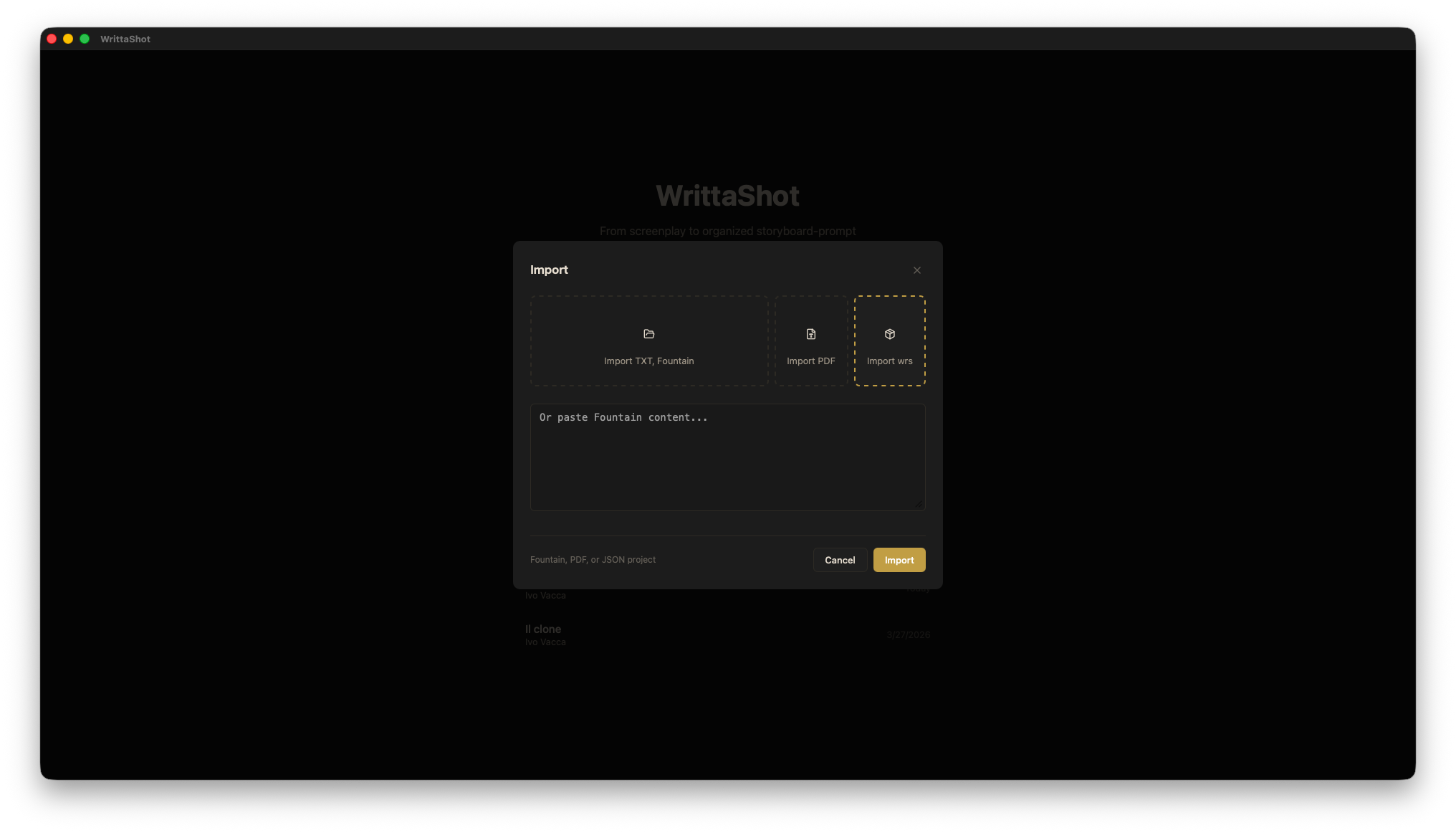
Write your screenplay from scratch or import existing Fountain/PDF files.
Break down scenes into shots manually or let AI suggest compositions.
Create detailed character profiles with descriptions, wardrobe, and props.
PDF storyboards, CSV shot lists, animatics, lookbooks, or a WRS project backup.
A complete screenplay and pre-production toolkit. AI is there when you want it, never required.
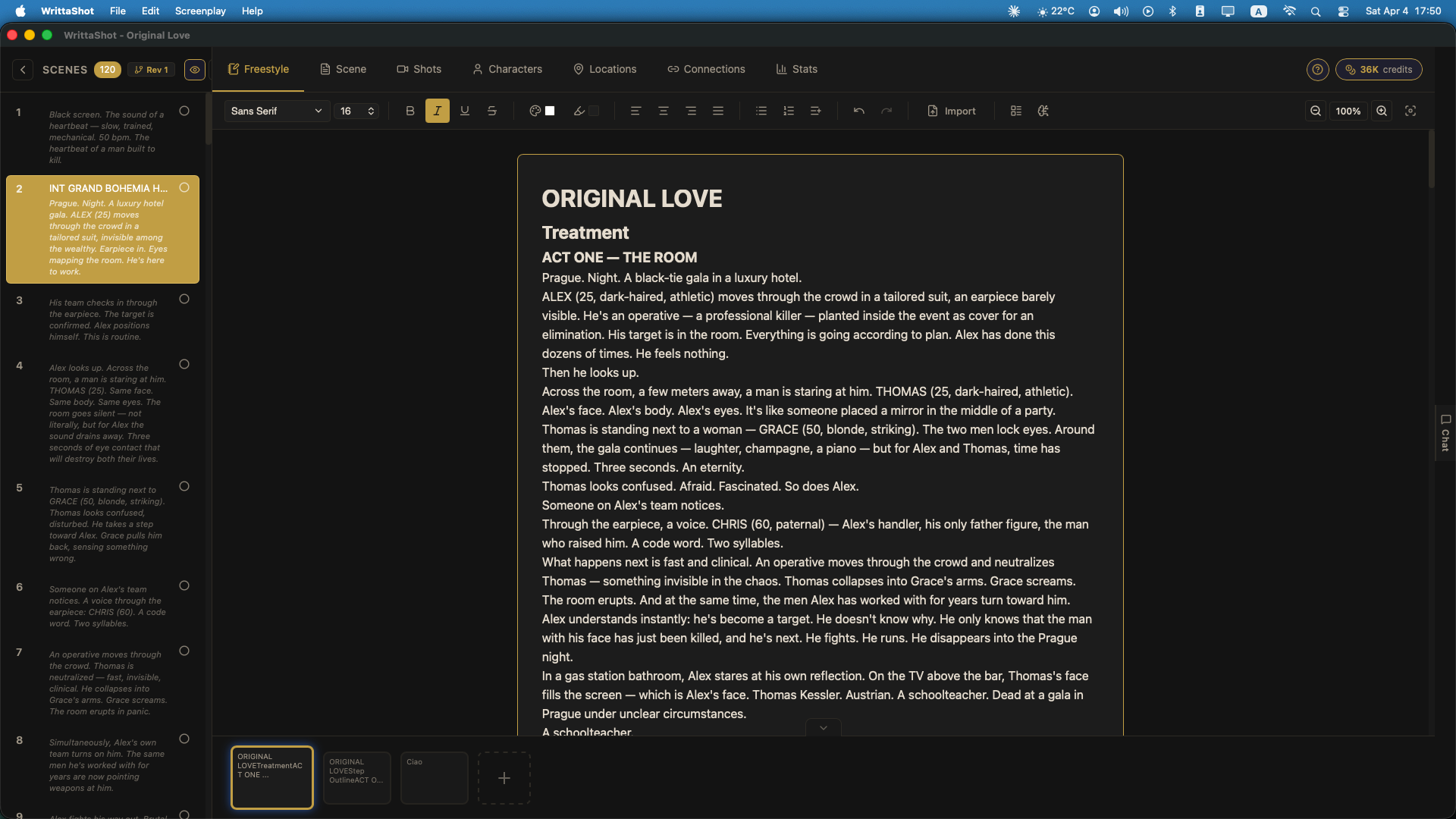
Write with proper formatting — scene headings, action, dialogue, transitions — organised by scene.
Character headshots and location images can sit right next to their names while you write. Hover to enlarge.
Break every scene into shots with type, description, duration and mood. Your shot list grows as you write.
Prefer a head start? Let AI suggest a breakdown with the whole film in mind — then keep, change or discard each shot.
Keep a character bible — age, build, wardrobe, props, notes — and see who appears in which scene.
Collect locations with reference images and know which scenes shoot where.
Generate storyboard frames, portraits and location images inside WrittaShot — with your Gemini (Nano Banana Pro) key, or with your own ComfyUI running locally on Mac or Windows.
Every version is kept, so you can go back. Or simply upload your own pictures.
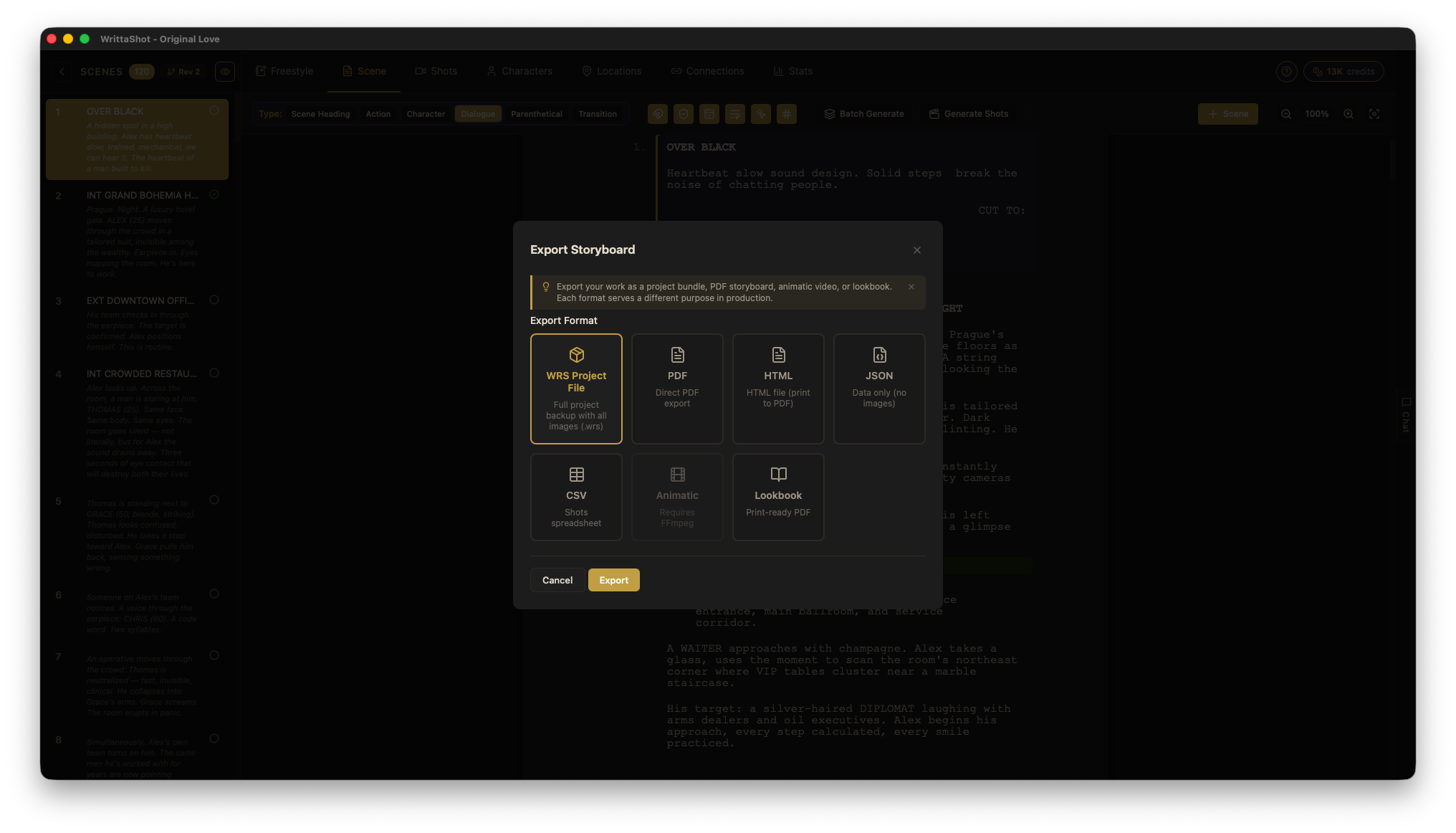
Export PDF storyboards, CSV shot lists, an animatic video, a lookbook, HTML to share, and JSON or WRS backups. Everything your crew needs, in one click.
Connect WrittaShot to the Claude app on the same computer and let Claude read and edit your project — scenes, characters, locations, shots — using your own Claude.ai subscription.
Optional and off by default. Before you turn it on, a clear consent screen tells you exactly what leaves your computer.
Bring in Fountain, PDF, RTF, TXT or ODT screenplays and carry on writing.

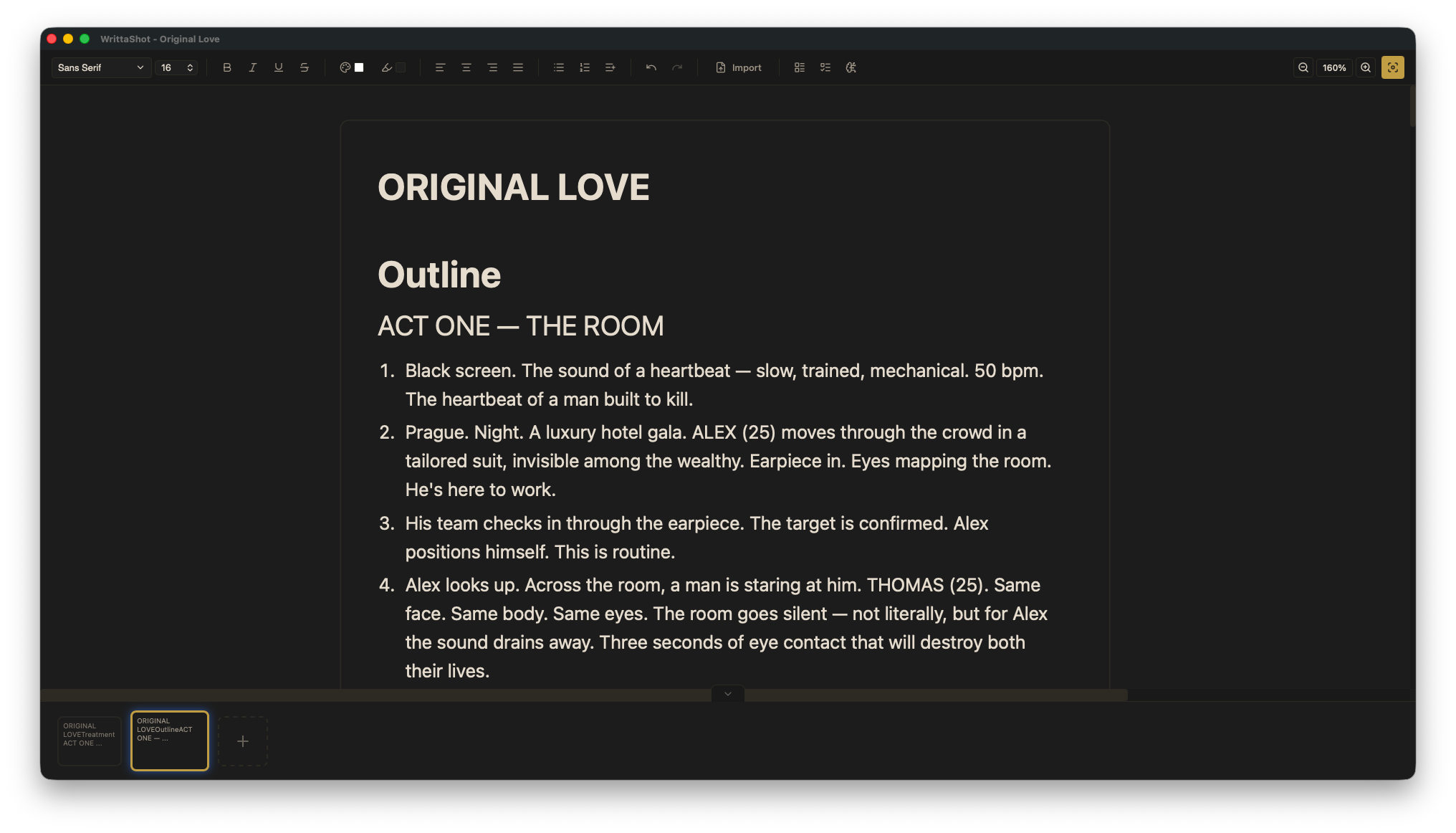
Your story’s spine in its own panel. Turn a treatment or a numbered list into scenes.

A rich text editor for notes, treatments and backstories, with focus mode and tabs.
Organise acts, track continuity across scenes and keep a visual style guide.

Talk through dialogue, characters and visual direction with an AI that has read your scenes.

Projects live on your computer. No account, no cloud. AI only runs when you ask for it.
Stop switching between apps. WrittaShot keeps your screenplay, shots, and characters in one place so you can focus on the creative work.
One focused tool instead of juggling five different apps.
One-time purchase. Yours forever. No subscriptions, no hidden fees, AI is optional.
Full access, no limits, forever. One license, Mac or Windows.
Requires macOS 10.15 (Catalina) or later, or Windows 10/11 (64-bit)
VAT will be added at checkout based on your location.
Optional
Want AI shot breakdowns and prompt generation? Choose how you access Claude.
Don't need AI? WrittaShot works perfectly as a traditional screenplay and shot planning tool — no API key or subscription required.
No! WrittaShot works fully without AI. For AI features, you can either use your own Claude API key (BYOK) or subscribe to our credit plan for hassle-free access.
WrittaShot supports Fountain (.fountain), PDF, RTF, TXT, and ODT files. Fountain is the industry standard used by Highland, Fade In, and others. All formats are intelligently parsed to preserve scene structure.
Your projects are stored locally on your device — WrittaShot has no servers that store your work. When you use AI features, the relevant content is sent directly to Claude (Anthropic). We never see or store your screenplays.
Two ways, both optional: with your Gemini (Nano Banana Pro) key, or with your own ComfyUI running locally on your Mac or PC. You can also export prompts for Midjourney and other tools, or upload your own images.
No! WrittaShot is a one-time purchase of €29 — pay once, use forever. AI credits are optional monthly subscriptions if you don't have your own Claude API key.
WrittaShot is available for macOS and Windows. Your order email includes both downloads: the Mac installer (.dmg) and the Windows installer (.exe).
ComfyUI installed on your computer with an image-to-video model (for example LTX), and a computer able to run it. In WrittaShot, open Settings → Image Gen, choose ComfyUI and load your video workflow. Until you do, the feature stays hidden. Clips are made on your machine — nothing goes to the cloud.
Into your project folder, as ordinary video files, and they play right on each shot card. You can open them in any video editor.
Write, plan, and visualize — all in one professional tool.