AI for Filmmakers: Every Term You Need to Know in 2026
April 16, 2026 · 15 min read
AI is changing how films are made. Not by replacing filmmakers, but by adding new tools to pre-production, visual effects, and post. The problem is that the AI world comes with its own language, and most glossaries are written for engineers, not for people who make movies. This guide translates every AI term a filmmaker needs to know into plain language, with examples from actual production workflows.
The Basics
Artificial Intelligence (AI)
Software that can perform tasks that normally require human thinking: understanding text, recognizing images, generating new content, making decisions. In filmmaking, AI is used for everything from script analysis to generating storyboard images to editing rough cuts.
When someone says "AI" in a film production context, they usually mean a specific tool that does one thing well, not a general-purpose robot. AI is a tool, like a camera or an editing suite.
Machine Learning (ML)
The technology behind most modern AI. Instead of programming a computer with specific rules ("if the scene heading starts with EXT, it is exterior"), you feed it thousands of examples and it learns the patterns on its own. This is how AI image generators learned what a "close-up shot in a dark alley" looks like: by studying millions of images.
Large Language Model (LLM)
The type of AI behind tools like ChatGPT, Claude, and Gemini. LLMs understand and generate text. In filmmaking, they are used for script analysis, generating shot descriptions, writing dialogue variations, creating character backstories, and breaking down scenes into individual shots.
When you ask an AI tool to "break down this scene into a shot list," you are talking to an LLM.
Model
The trained AI system itself. Think of it like a brain that has been trained on specific data. Different models are good at different things. Some models generate images (Stable Diffusion, DALL-E, Midjourney). Some generate text (GPT, Claude). Some generate video (Runway, Kling, Veo, Seedance). When someone says "which model are you using?" they are asking which AI system is doing the work.
API (Application Programming Interface)
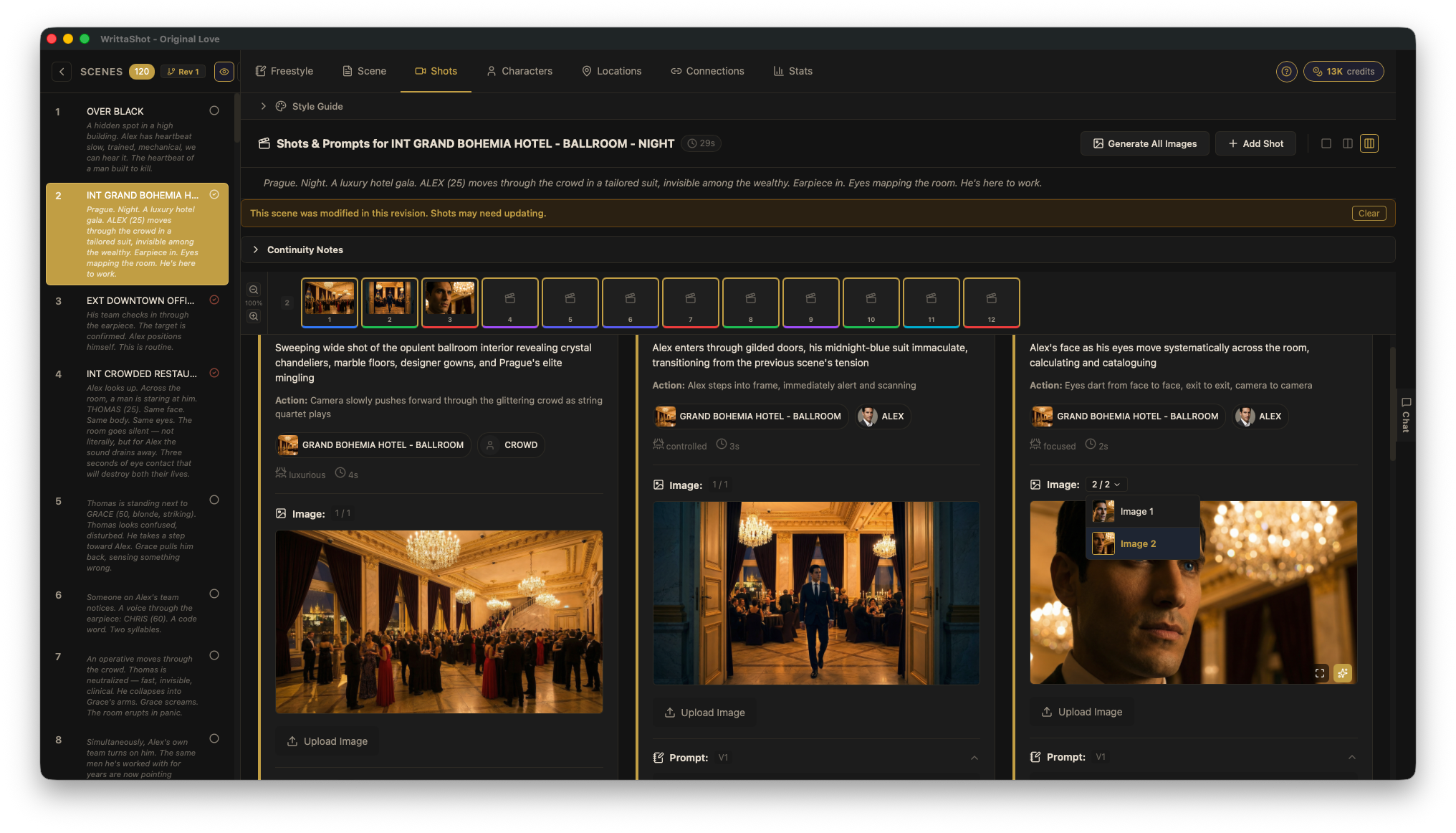
A way for software to talk to an AI model. Instead of using ChatGPT through a website, an app can connect directly to the AI through its API and send requests automatically. This is how tools like WrittaShot can offer AI features without being an AI company themselves: the app sends your scene text to an AI model through its API and gets back a shot breakdown.
When a tool asks you for an "API key," it is asking for your personal access code to use that AI service.
Prompts and Prompt Engineering
Prompt
The instruction you give to an AI. It can be a simple sentence ("generate a wide shot of a dark alley at night") or a detailed paragraph with specific technical requirements. The quality of your prompt directly affects the quality of the output. In filmmaking, prompts are used to generate images, break down scenes, create shot descriptions, and more.
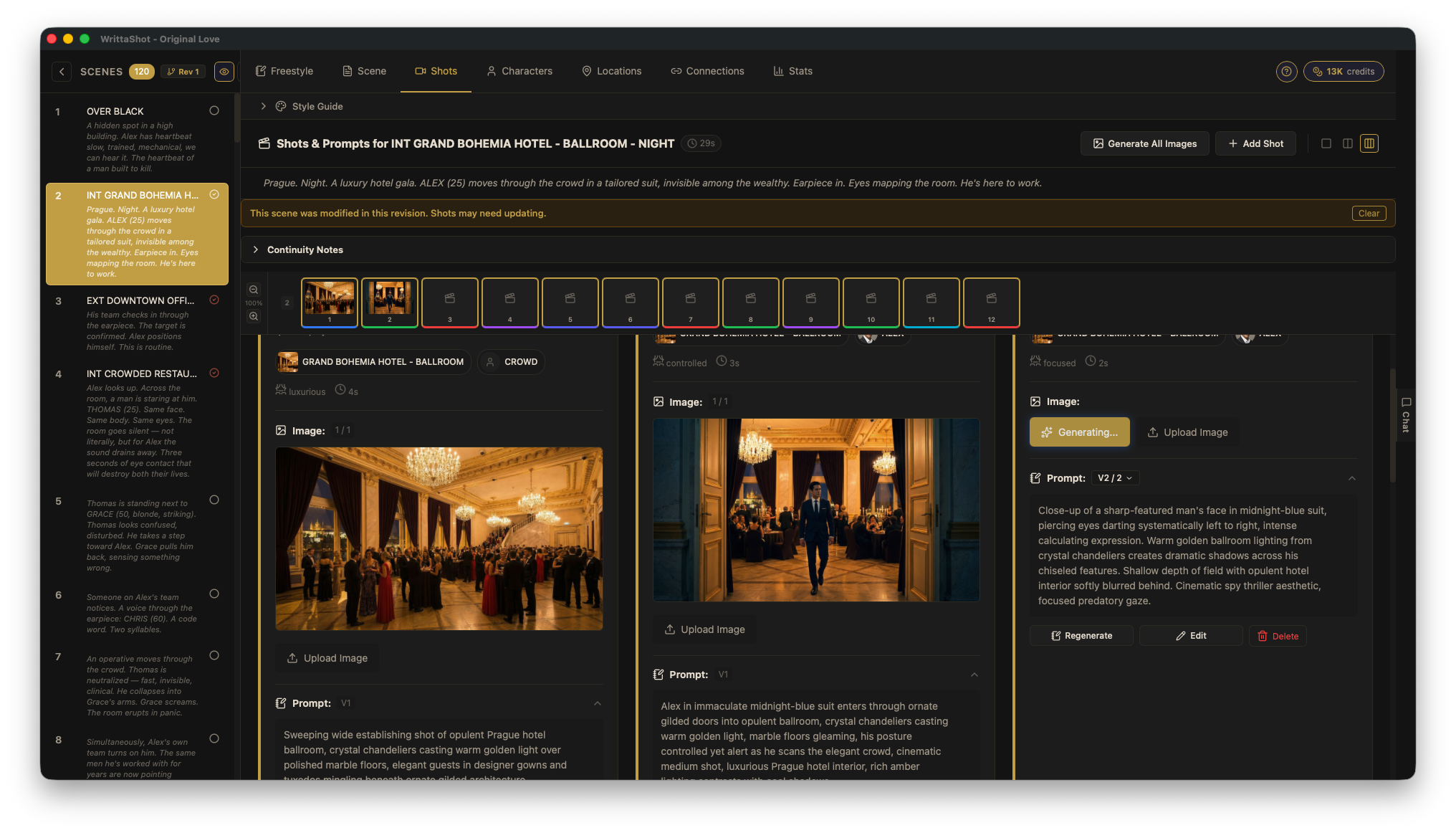
A prompt for a storyboard image might look like: "Wide establishing shot, Prague hotel ballroom at night, crystal chandeliers, warm golden lighting, elegant crowd in formal attire, shot from balcony level looking down, cinematic composition, 2.39:1 aspect ratio."
Prompt Engineering
The skill of writing effective prompts. It sounds simple, but getting consistent, high-quality results from AI requires understanding how the model interprets your words. For filmmakers, prompt engineering means learning how to describe shots in a way that AI understands: specifying camera angle, lighting, composition, mood, and style in the right order with the right terms.
This is a real skill that takes practice. The difference between a vague prompt and a well-engineered prompt is the difference between a generic image and something that actually looks like a frame from your film.
Prompt Versioning
Keeping track of different versions of your prompts as you refine them. The key is having full control over the prompt text. You should be able to read what the AI generated, modify it, rewrite parts, and save your version. The prompt is where your creative decisions live, so being able to edit it directly matters.
Good prompt versioning means you can go back to a previous version, compare results side by side, and understand what changes improved the output. This is similar to how screenwriters track script revisions. The first draft is never the final one.
System Prompt
A hidden instruction that sets the context for the AI before you give it your actual request. For example, a system prompt might say "You are an experienced cinematographer. When given a scene, break it down into individual shots with specific camera angles and movements." The user never sees the system prompt, but it shapes how the AI responds to everything.
Good tools use carefully written system prompts behind the scenes so you do not have to be an AI expert to get useful results.
Temperature
A setting that controls how creative or predictable the AI's output is. Low temperature (close to 0) gives you consistent, safe results. High temperature (close to 1) gives you more creative, surprising, and sometimes weird results.
For a shot list, you probably want low temperature (consistent, structured output). For brainstorming visual ideas for a storyboard, higher temperature can spark unexpected compositions.
Tokens
The units that AI models use to measure text. Roughly, one token equals about one word (sometimes less for longer words). AI services charge based on how many tokens you send and receive. A scene with 500 words of dialogue uses about 500 tokens to process. This matters when you are paying for API usage: more text means more tokens means higher cost.
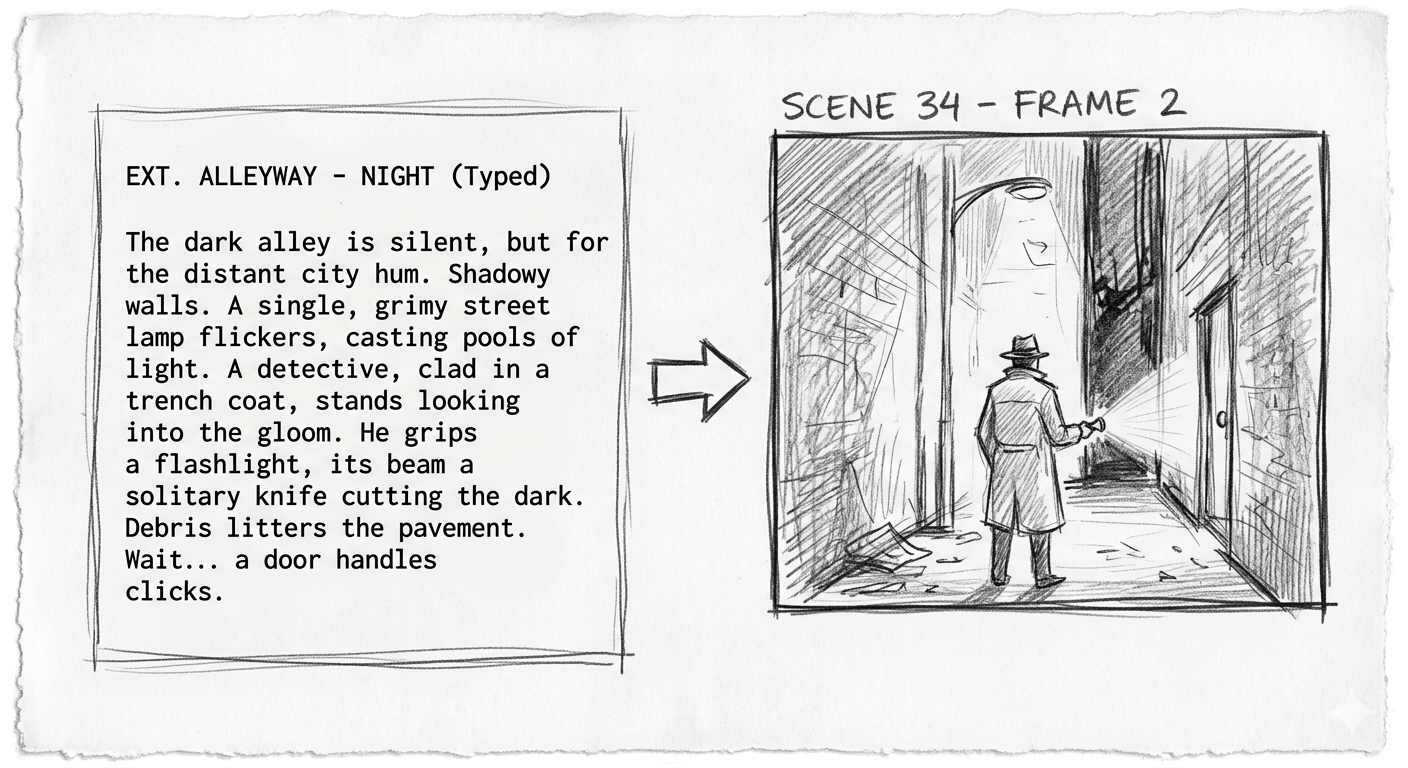
Image Generation
Text-to-Image
The ability to generate an image from a text description. You write "close-up of a detective examining a bloodstained letter under a desk lamp, film noir lighting, 35mm film grain" and the AI creates that image. This is the technology behind AI storyboard generation.
For filmmakers, text-to-image is most useful in pre-production: generating storyboard frames, concept art, location references, costume ideas, and mood boards without hiring an illustrator or spending hours in Photoshop.
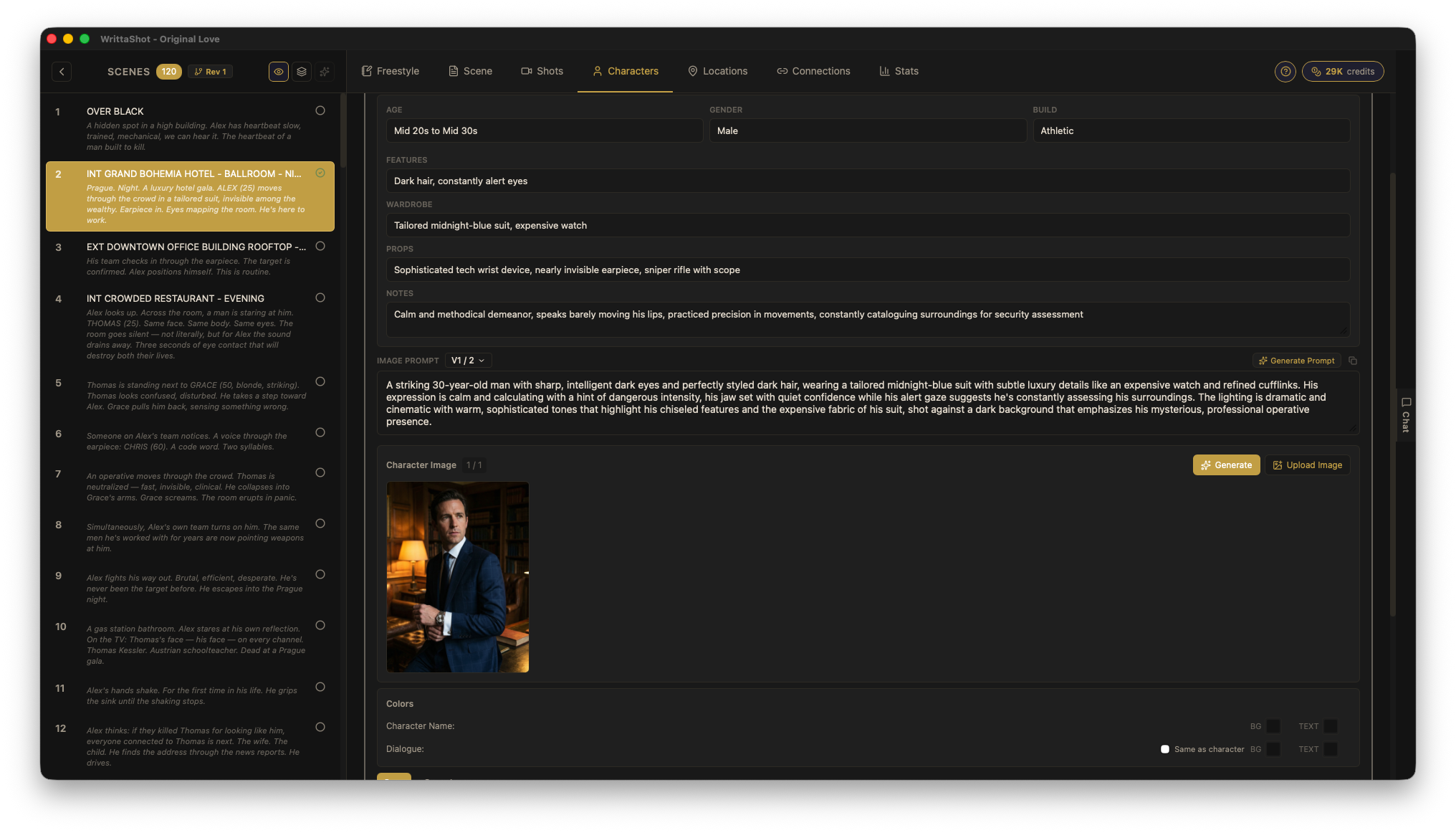
Image-to-Image
Taking an existing image and transforming it based on a text prompt. You could take a photo of a location and ask the AI to "make it look like a rainy night scene with neon reflections." The AI uses your original image as a starting point and modifies it according to your instructions.
Useful for: visualizing how a location will look with different lighting, time of day, or production design. Also useful for refining AI-generated storyboard frames by feeding them back with adjustments.
Inpainting
Editing a specific part of an image while keeping the rest unchanged. You select an area (for example, a character's costume) and give the AI a new instruction for just that area ("change the jacket to a military uniform"). The AI regenerates only the selected region and blends it with the surrounding image.
For storyboard work, inpainting lets you fix individual elements in a generated frame without starting over from scratch.
Outpainting
Extending an image beyond its original borders. If you have a medium shot and want to see what a wider framing would look like, outpainting can generate the missing parts of the scene around the edges. The AI fills in what it thinks should be there based on the existing image and your instructions.
Upscaling
Increasing the resolution of an image using AI. Standard AI-generated images are often too small for print or high-resolution displays. Upscaling tools can take a 512x512 image and intelligently enlarge it to 2048x2048 or higher, adding detail that was not in the original.
Stable Diffusion
An open-source AI model for generating images from text. Unlike commercial services like Midjourney or DALL-E, Stable Diffusion can be downloaded and run on your own computer for free (if you have a decent GPU). This makes it popular with filmmakers who want to generate storyboard images without paying per image.
Many storyboard and pre-production tools use Stable Diffusion or its variants under the hood.
Midjourney
A commercial AI image generation service known for producing highly stylized, cinematic images. It runs through Discord (a chat platform). Many filmmakers use it for concept art and mood boards because its default style leans toward dramatic, film-like compositions.
DALL-E
OpenAI's image generation model, available through ChatGPT and as an API. Good for quick concept visualization and general-purpose image generation.
Flux
A newer open-source image generation model that produces high-quality, photorealistic images. It has become popular in the filmmaking community for storyboard and concept art generation because of its strong understanding of lighting and composition.
Video Generation
Text-to-Video
Generating a video clip from a text description. You write "slow dolly forward through a foggy forest at dawn, camera at waist height, soft volumetric light filtering through trees" and the AI generates a video clip that matches that description. The quality and length of these clips has improved dramatically in recent years.
For filmmakers, text-to-video is used for previsualization (seeing how a shot might look before shooting it), creating animatics, and generating B-roll or atmospheric footage.
Image-to-Video
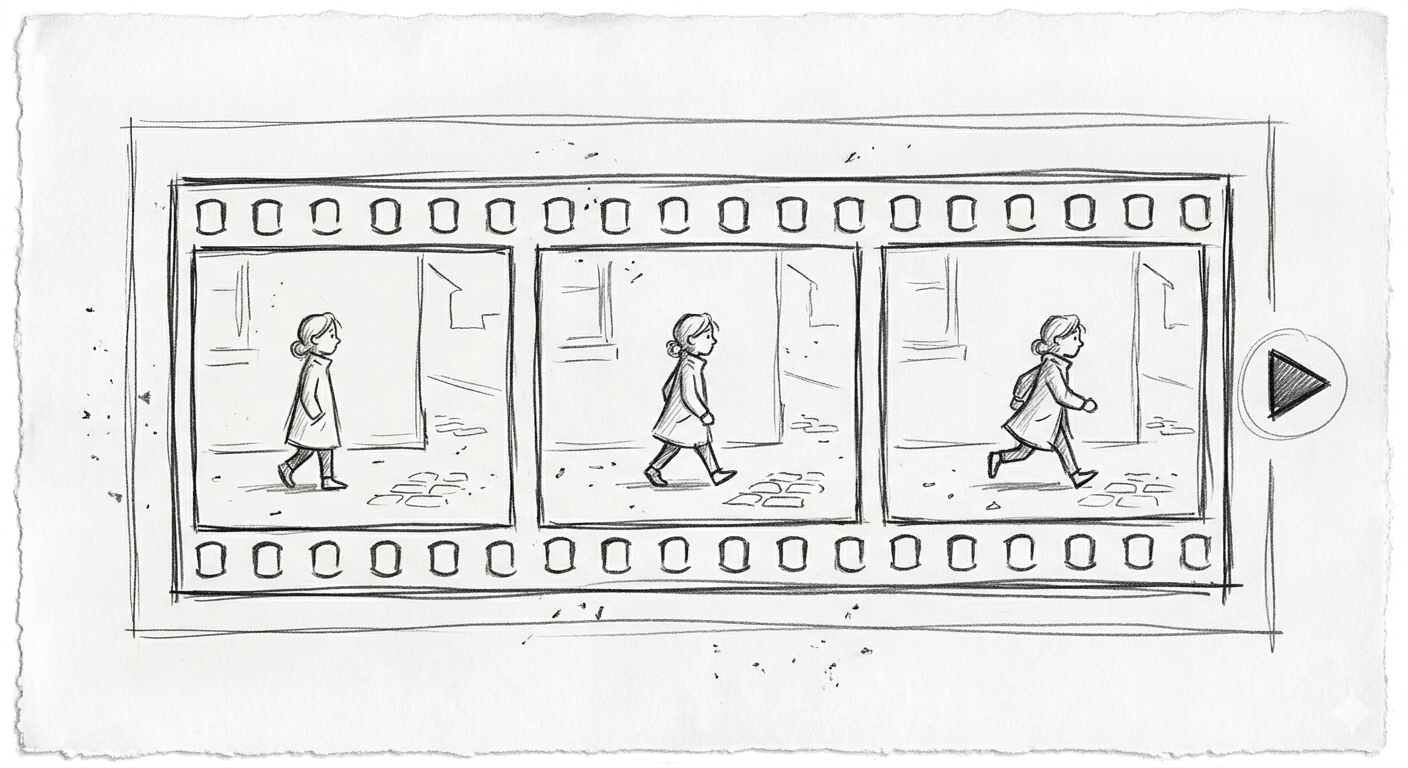
Taking a still image and animating it. You give the AI a storyboard frame and it generates a short video clip based on that image, adding camera movement and character motion. This is one of the most useful AI tools for pre-production because it turns your static storyboard into a rough animatic automatically.
Video-to-Video
Transforming existing video footage using AI. You can change the visual style (make live footage look like animation), replace backgrounds, change time of day, or alter the mood of a scene. The AI processes each frame while maintaining temporal consistency so the result looks like a continuous video, not a slideshow of unrelated images.
Runway
A creative AI platform popular with filmmakers and video editors. Runway offers text-to-video, image-to-video, and video editing tools in a browser-based interface. Gen-4.5 is known for having the best camera motion control among the current generation of models. It is one of the most widely used AI video tools in actual film production.
Veo
Google's video generation model. Veo 3.1 is considered one of the best all-around video generators in 2026, with native 4K output, synchronized audio generation, and strong character consistency across clips up to 30 seconds. It combines video and audio in a single generation step, which means dialogue, music, and sound effects come out in sync without post-production layering.
Kling
Kling 3.0 by Kuaishou leads for human motion and facial expressions. If your shot involves actors talking, walking, or performing subtle emotions, Kling currently produces the most natural-looking results. It has become a go-to choice for previsualization of dialogue scenes.
Seedance 2.0
ByteDance's multimodal video generation model, released in early 2026. What makes Seedance different is that it accepts up to 12 input assets at once (images, videos, audio, text) and combines them into a coherent output with character consistency and lip-sync. It generates audio natively alongside video, including music, dialogue, and sound effects. Available through CapCut and through its API.
Luma Dream Machine
Particularly strong at environmental motion: water, clouds, fabric, fire, and natural phenomena. If your shot involves atmosphere and environment rather than human performance, Luma tends to produce the most convincing results.
Wan 2.2
One of the best open-source video generation models available. If you want to run video generation locally without paying per clip, Wan 2.2 produces cinematic results and can be customized with your own training data.
Customization and Fine-Tuning
LoRA (Low-Rank Adaptation)
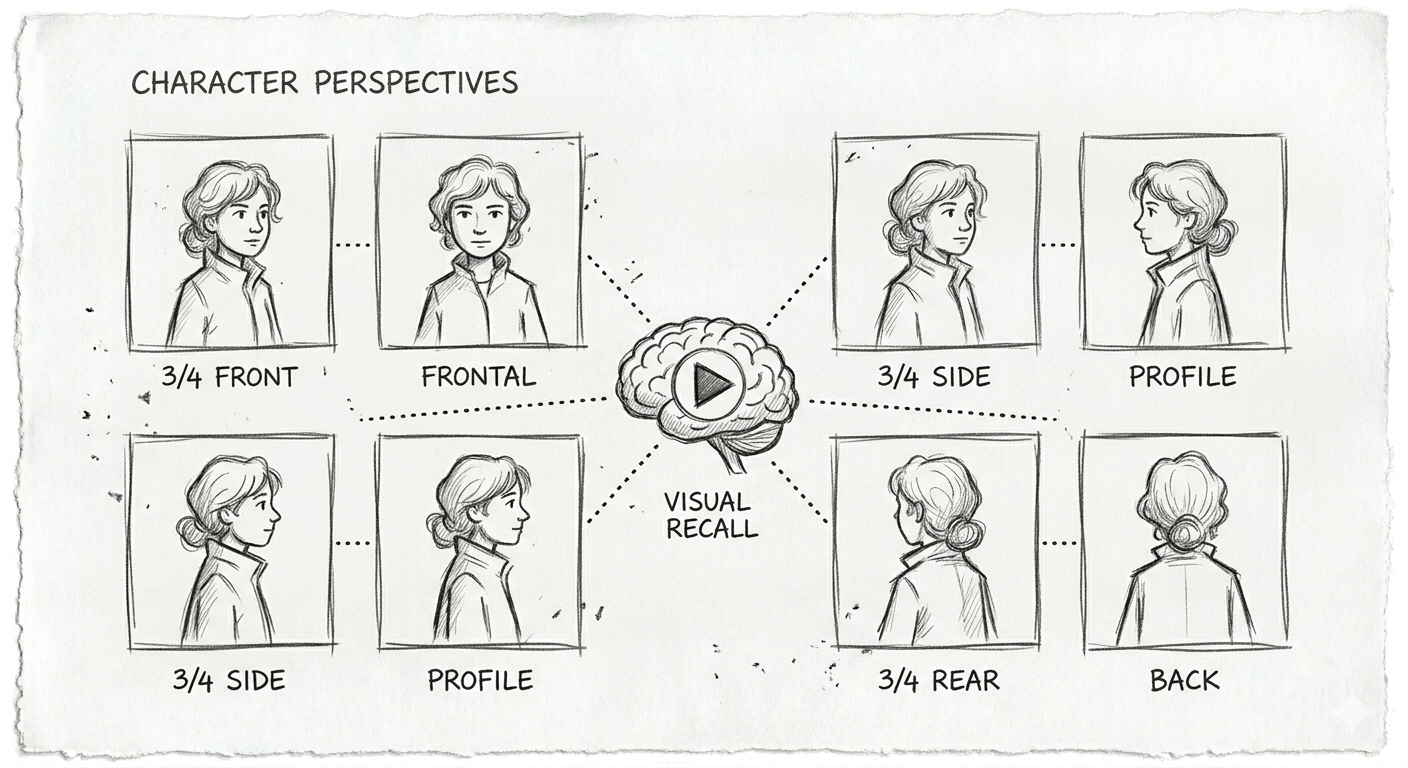
A technique for teaching an AI model new concepts without retraining the entire model. For filmmakers, this is how you can create an AI model that generates images of a specific character, location, or visual style consistently. You train a LoRA with 10-20 reference images of your lead actor, and then every generated storyboard frame can include that character looking the same.
Think of it as giving the AI a lookbook for your film. Without a LoRA, the AI will generate a different face every time you ask for "the detective." With a LoRA trained on your actor, it will generate your detective.
Fine-Tuning
Training an AI model on your own data to specialize it for your needs. Similar to LoRA but more thorough. Fine-tuning adjusts the entire model, while LoRA only adjusts a small part of it. Fine-tuning requires more data and computing power but can produce better results for specific use cases.
Checkpoint
A saved version of an AI model at a specific point in its training. Different checkpoints produce different visual styles. The Stable Diffusion community has created thousands of checkpoints optimized for different looks: photorealistic, anime, oil painting, film noir, and so on. Choosing the right checkpoint is like choosing the right film stock or color LUT.
Seed
A number that determines the randomness in AI generation. Using the same prompt with the same seed produces the same image every time. This is essential for consistency: once you find a composition you like, you can save the seed and make small adjustments to the prompt while keeping the overall look stable.
For storyboard work, seeds let you iterate on a shot without losing what already works.
CFG Scale (Classifier-Free Guidance)
A setting that controls how closely the AI follows your prompt. Low CFG gives the AI more creative freedom. High CFG makes it stick strictly to what you described. For storyboard images where you have a specific shot in mind, a higher CFG scale usually gives better results. For exploration and mood boards, lower values can surprise you in useful ways.
Workflows and Tools
ComfyUI
A node-based interface for running AI image and video generation workflows. Instead of typing a prompt into a simple text box, ComfyUI lets you build visual pipelines: connect a text prompt to an image generator, feed the result into an upscaler, apply a style LoRA, and output the final image. It is like a visual programming environment for AI.
ComfyUI has a steep learning curve, but it gives you complete control over the generation process. Many VFX artists and technical filmmakers use it to build custom pipelines for their productions.
Automatic1111 (A1111)
A popular web interface for running Stable Diffusion locally on your computer. It is simpler than ComfyUI and offers a straightforward interface for text-to-image, image-to-image, and inpainting. If ComfyUI is a professional editing suite, A1111 is more like a well-featured consumer app.
Workflow
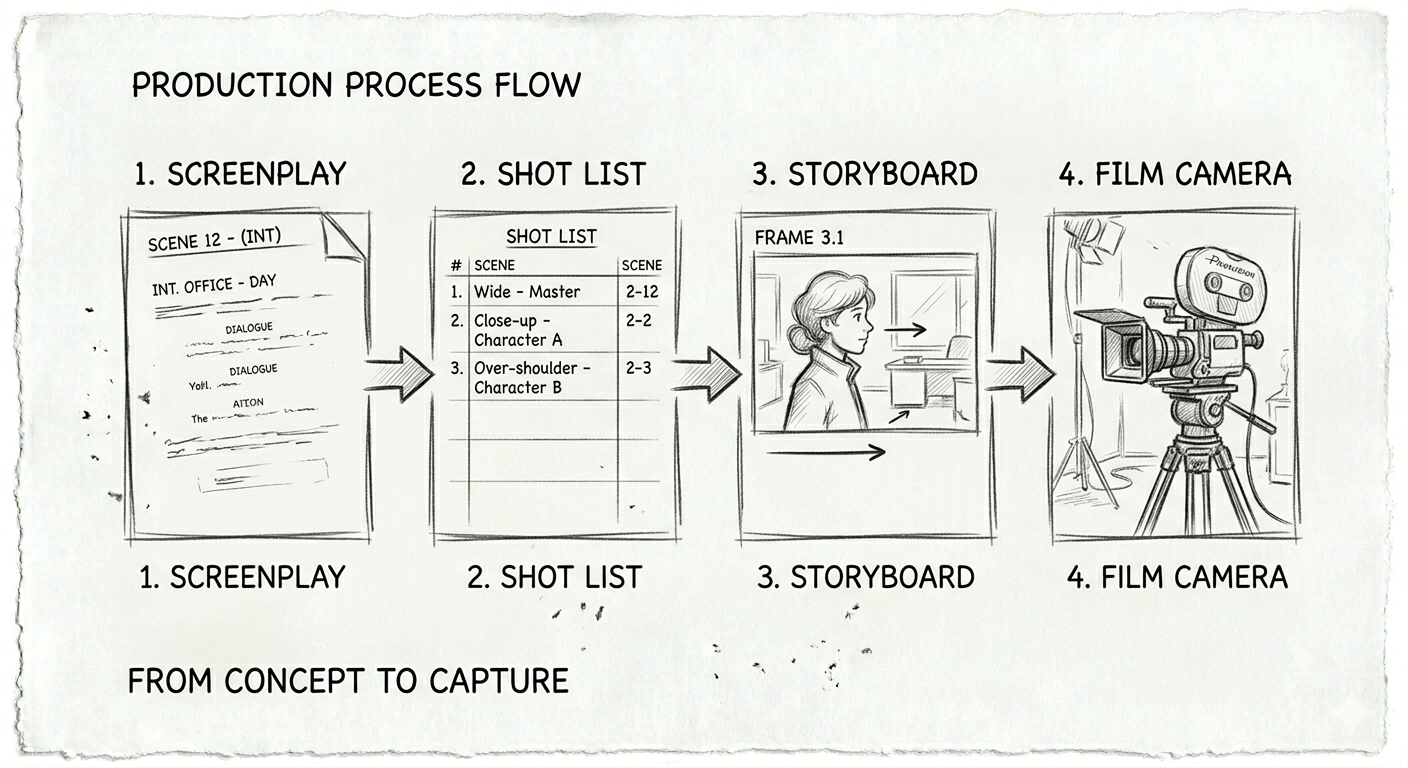
In the AI context, a workflow is a series of connected steps that process your input into a final output. A storyboard workflow might be: screenplay text goes into an LLM that generates shot descriptions, those descriptions go into an image generator that creates frames, and those frames get upscaled and assembled into a storyboard PDF. Each step feeds into the next.
Batch Processing
Generating multiple outputs at once instead of one at a time. If you have a 20-shot scene, batch processing lets you generate all 20 storyboard frames in one go instead of running each prompt individually. This is a significant time saver for pre-production.
BYOK (Bring Your Own Key)
A pricing model where you use your own API key from an AI provider (like OpenAI or Anthropic) instead of paying the software maker. This means you pay the AI provider directly at their rates, which is often cheaper than built-in AI features. It also means your data goes directly to the AI provider, not through a middleman.
AI in the Film Production Pipeline
Pre-Production
This is where AI has the biggest impact for filmmakers right now:
- Script analysis: LLMs can break down a screenplay into scenes, identify characters, flag continuity issues, and suggest shot types.
- Shot list generation: AI can suggest shots for each scene based on the action and dialogue, giving you a starting point to refine.
- Storyboard creation: Text-to-image models generate visual frames for each shot in your list.
- Character visualization: Generate concept art for characters before casting or costume design.
- Location scouting: Generate reference images for locations described in the script to share with your location scout.
Production
AI on set is still early, but growing:
- Real-time previsualization: Some LED volume stages use AI to generate or modify background environments in real time.
- Focus and framing assistance: AI-powered camera tools that track subjects and suggest compositions.
- Script supervision: Tools that automatically flag continuity errors by comparing the current take to the script and storyboard.
Post-Production
AI in post is becoming mainstream:
- Rough cuts: AI can assemble a rough edit from your footage based on the screenplay structure.
- VFX: AI-powered rotoscoping, background replacement, and de-aging are now standard in many productions.
- Color grading: AI tools that match the look of your footage to a reference image or style.
- Sound design: AI-generated sound effects and music that match the mood of each scene.
- Subtitles and dubbing: AI translation and voice synthesis for international distribution.
Terms You Will Hear but Do Not Need to Master
These come up in AI conversations but are more relevant to engineers than filmmakers. Good to recognize, not essential to understand deeply:
- Transformer: The architecture behind most modern AI models. It is the "T" in GPT.
- Diffusion: The technique used by image generators. They start with noise and gradually refine it into an image.
- GAN (Generative Adversarial Network): An older image generation technique, mostly replaced by diffusion models.
- Embedding: How AI converts text or images into numbers it can process. Sometimes used for style references.
- Inference: The process of running an AI model to generate output. When someone says "inference time," they mean how long it takes to generate a result.
- VRAM: Video card memory. Determines whether you can run AI models locally and how fast they run. More VRAM equals larger models and better quality.
- Quantization: Compressing an AI model to run on smaller hardware. A quantized model is less accurate but can run on a laptop instead of a server.
Where This is Going
AI tools for filmmakers are evolving fast. A year ago, AI-generated video looked like a fever dream. Now it looks cinematic. A year ago, generating consistent characters across multiple images was nearly impossible. Now it is routine with the right setup.
The filmmakers who will benefit most are not the ones who master every technical detail. They are the ones who understand what these tools can do and know when to use them. AI does not replace the director's eye. It gives the director more ways to see.
Try It Yourself
If you want to see how AI fits into a real pre-production workflow, WrittaShot lets you import a screenplay, create shot lists, and generate storyboard images using AI. The AI features are optional, and you can start with a free 7-day trial.
Filmmaker, developer, founder of WrittaShot