Tutorial 1: From Idea to Notes
April 17, 2026 · Part 1 of the WrittaShot Screenwriting Series
Every film starts with an idea. A fragment. A feeling. A scene you cannot stop thinking about. Before you write a single scene heading or plan a single shot, you need a place to capture those thoughts without worrying about structure. That's what the Freestyle panel is for.
What You'll Learn
- How to create a new project and open the Freestyle panel
- The four Freestyle view modes and when to use each one
- How to write a treatment (a loose narrative outline)
- Using Focus mode for distraction-free writing
- How Freestyle connects to the next step in your workflow
Why Start with Freestyle
Traditional screenwriting tools push you to start with scene headings, act breaks, or numbered beats. That works if you already know your story. If you don't, structure too early kills the idea before it can grow.
Freestyle is a blank page without rules. Write prose, bullet points, a fragmented monologue, a few lines of dialogue that came to you on a walk. Nothing here has to become a scene. Nothing has to be finished. You're collecting material.
Step 1: Open the Freestyle Panel
With a project open, click the Freestyle tab in the left sidebar. You'll see a rich text editor with a toolbar at the top and a list of your documents on the left.
Each Freestyle document is independent. You can have one for your main story idea, another for character backstory, a third for random notes. Create as many as you need.
Step 2: Choose Your View Mode
Freestyle has four different views. Each one is the same document, just displayed differently. Switch between them as your writing evolves.
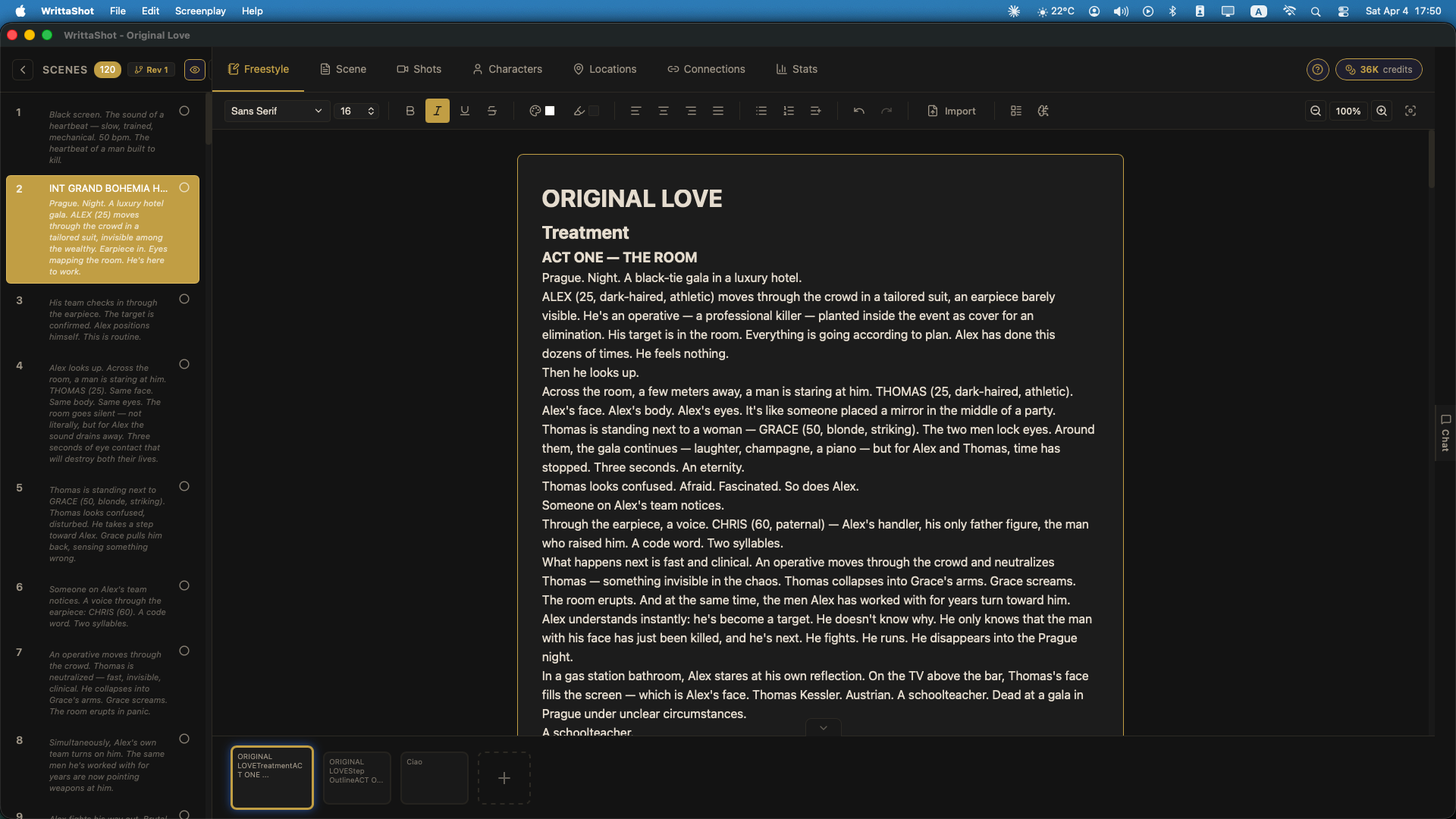
Document View
The default mode. A rich text editor with formatting tools: bold, italic, colors, highlights, fonts. Good for free writing, journaling about your story, longer passages of prose.
Outline View
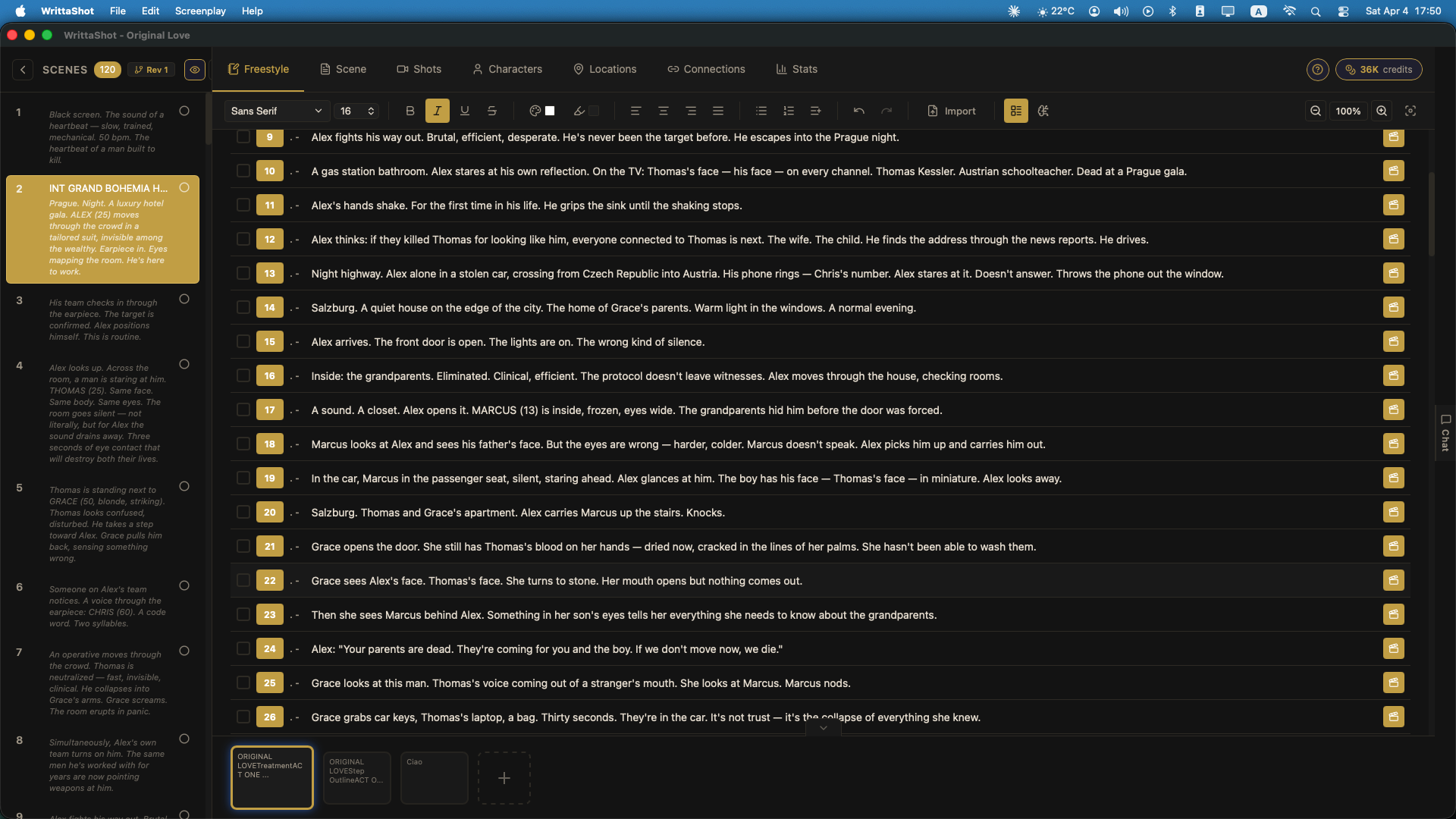
Shows your document as a numbered outline. Good for when your ideas are starting to form into a sequence. You can drag sections around, reorder, nest. This is where a loose story starts to find its shape.
Focus Mode
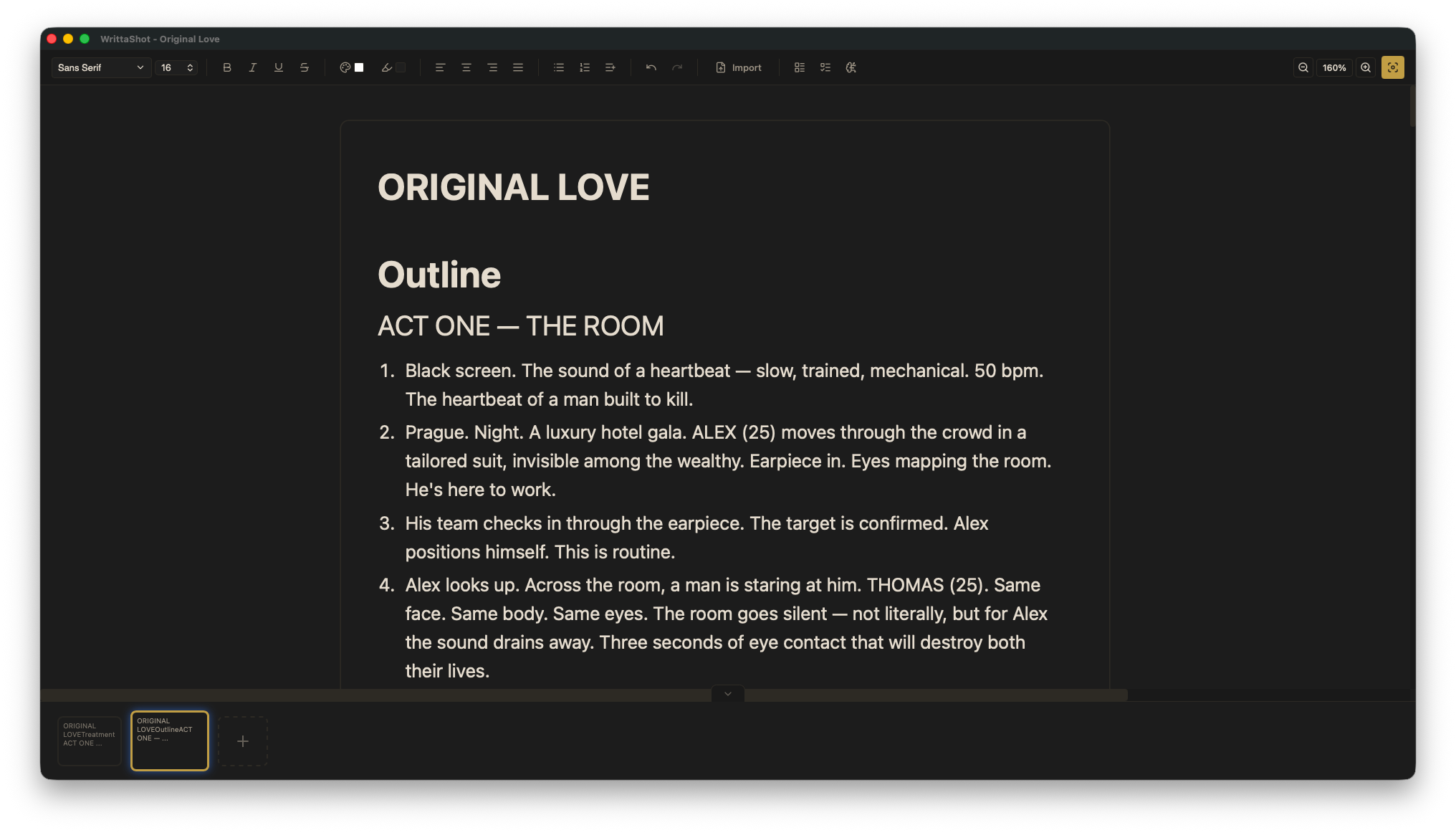
Full-screen, distraction-free. No sidebars, no toolbar, just you and the page. Press Esc to exit. Use this when you need to write without stopping.
Outline View with Sidebar
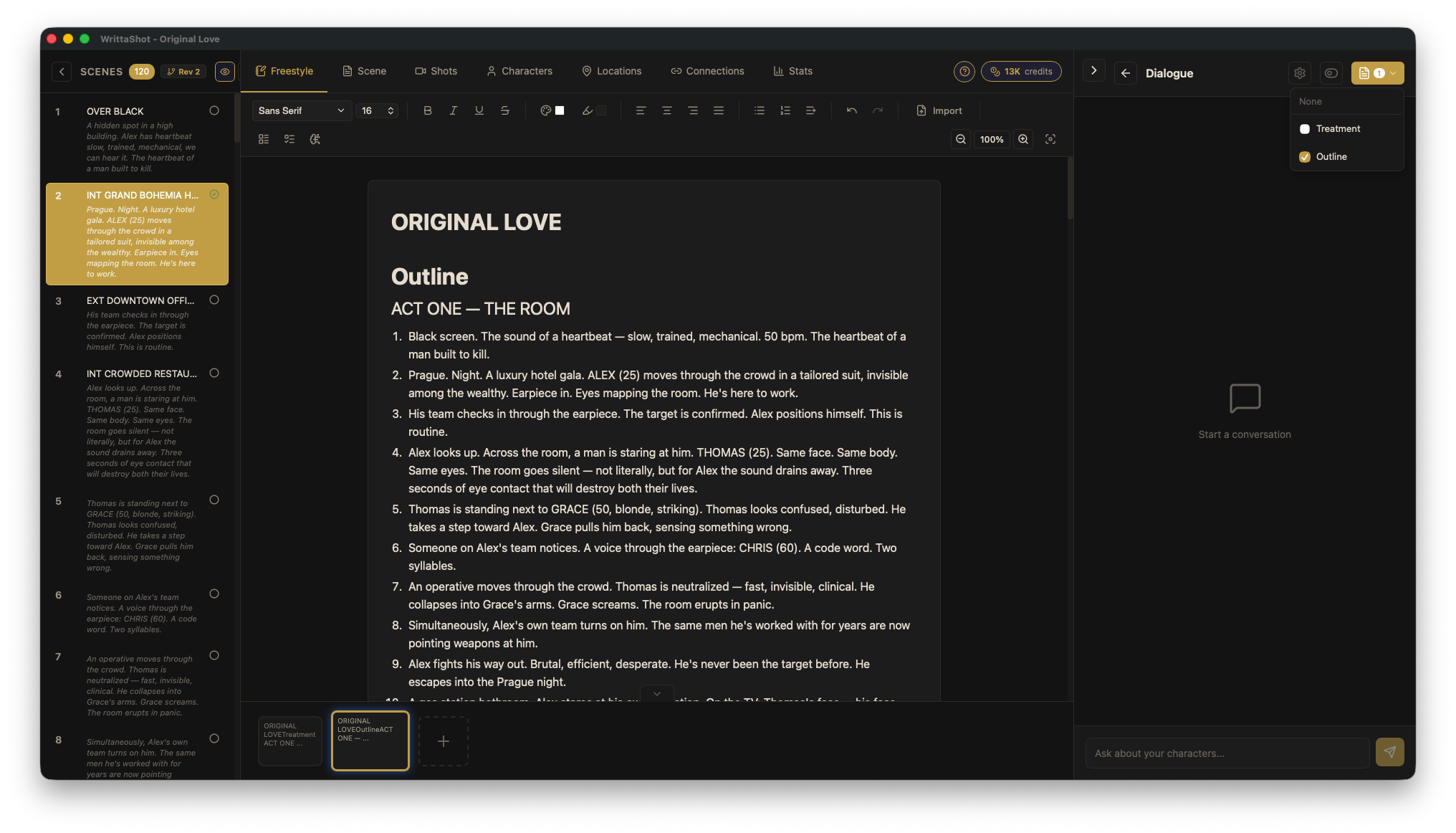
A hybrid view. Outline on the left, full text on the right. Good for navigating long documents while keeping context.
Step 3: Write a Treatment
A treatment is a narrative summary of your film. It's not a screenplay. It's you telling yourself the story in prose, the way you'd describe it to a friend.
Keep it short. Five to ten numbered sections is enough. Each one is a key moment or scene. Write in the present tense. Focus on what happens, not how it looks.
Example:
1. A woman in her sixties walks into an empty movie theater and sits in the front row.
2. She lights a cigarette. No one stops her.
3. The film starts. It's her own life, from 40 years ago.
4. She watches herself fall in love, make mistakes, lose everything.
5. At the end, she stands up and walks out without looking back.
That's a treatment. Loose, focused on the emotional beats, no dialogue, no camera angles. Just the story.
Step 4: Keep Writing, Don't Commit
In Freestyle, nothing is locked in. You can rewrite, reorder, delete, start over. This is the stage where you should be brave. Try the version that scares you. Write the ending first. Write three different openings.
Your treatment will change. It should. That's the point.
Step 5: When You're Ready, Convert to Scenes
When your treatment feels right (not perfect, just right enough), the next step is converting it into scene summaries. That's Tutorial 2.
In short: WrittaShot can read your numbered treatment and turn each line into a scene with a heading, a location, and a summary. You'll review, edit, and refine. But you start from something you wrote in Freestyle, not from a blank screenplay.
Tips from Experience
- Write ugly. Nobody is reading your Freestyle. Grammar, structure, spelling, none of it matters yet.
- Keep multiple documents. One for the main story, one for character notes, one for location moodboards, one for dialogue fragments.
- Use Focus mode when stuck. The blank page is scary. The blank page in full screen with nothing else on the monitor is a little less scary.
- Don't delete old versions. If you rewrite a section, move the old one to the bottom of the document. You might want it back.
Next: From Notes to Scene Summaries
Once your treatment is ready, Tutorial 2 shows you how to turn it into a sequence of scene summaries. This is where the freestyle thinking becomes production-ready structure.
Tutorial 2 coming soon.